Lemuricate for Syndicate
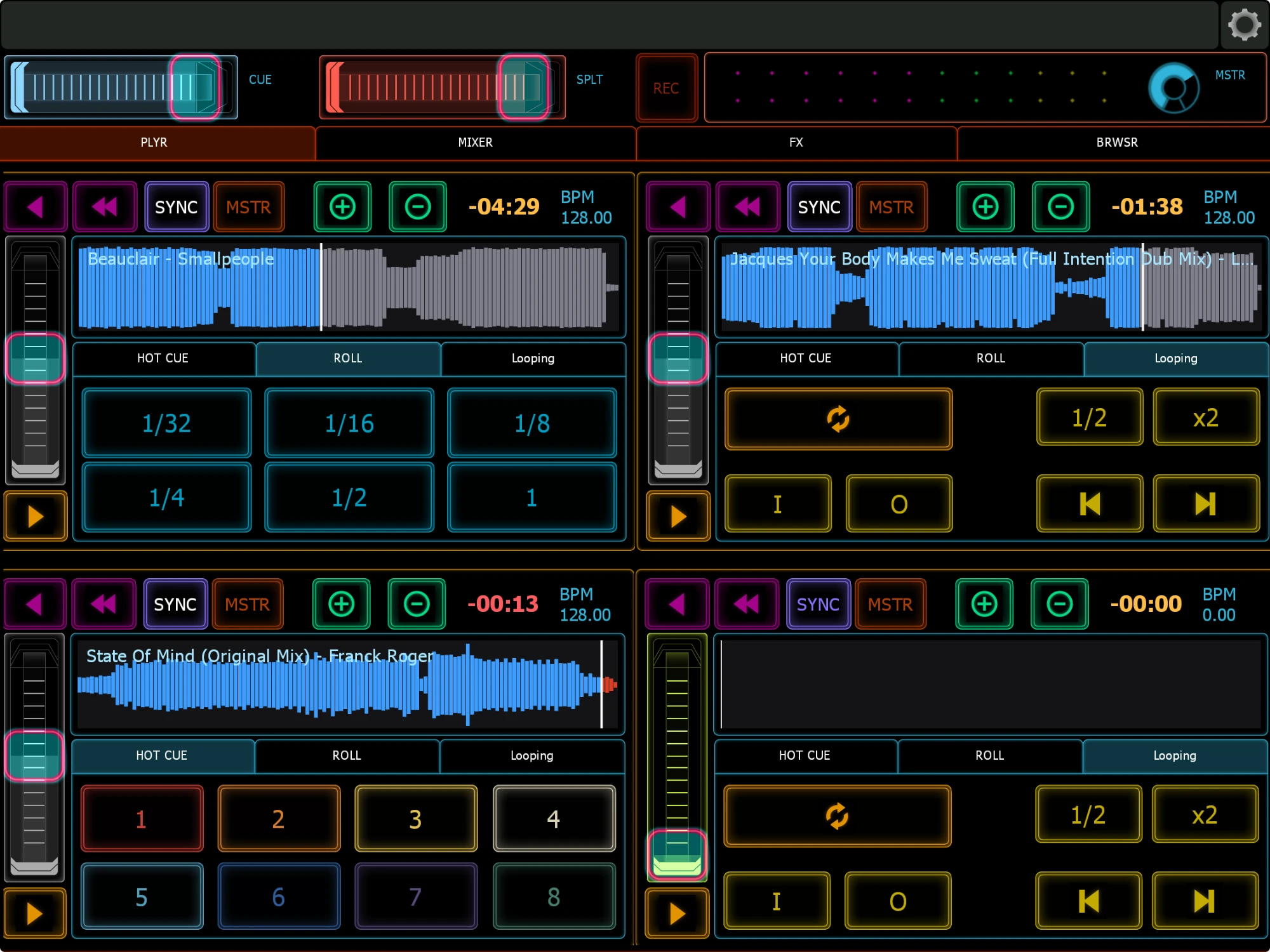
A 4-deck iPad controller for the Syndicate DJ app. Two-way: it controls the decks and mixer, and Syndicate sends back live waveforms, meters, BPM, time remaining, cue colors and pitch position.
See it working
What it does
Real waveforms
A small helper on your computer reads each loaded track and draws its waveform on the iPad. The waveform turns red in the last 30 seconds.
Touch to seek
Tap or drag on the waveform to jump into a track. Handy for old rips with no cue points.
Live feedback
Channel and master meters, track title, key, -mm:ss remaining (flashes near the end), master-synced BPM, and play and sync state.
Cue colors
Hot cue pads use Syndicate's slot colors and light up only where a cue is set.
Pitch faders that follow
Each fader shows the deck's real pitch position, and turns gray while Sync locks it.
Mixer & FX
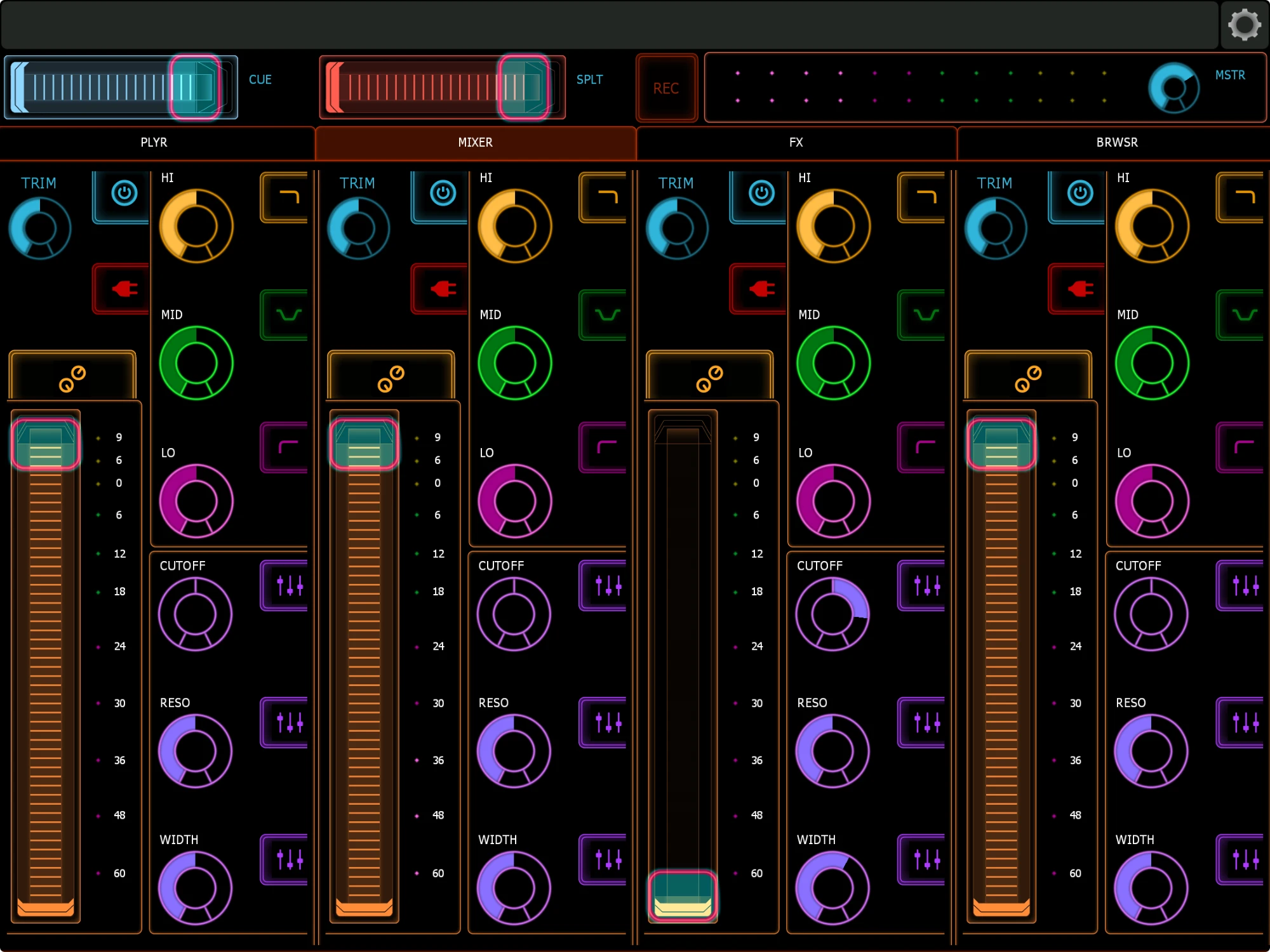
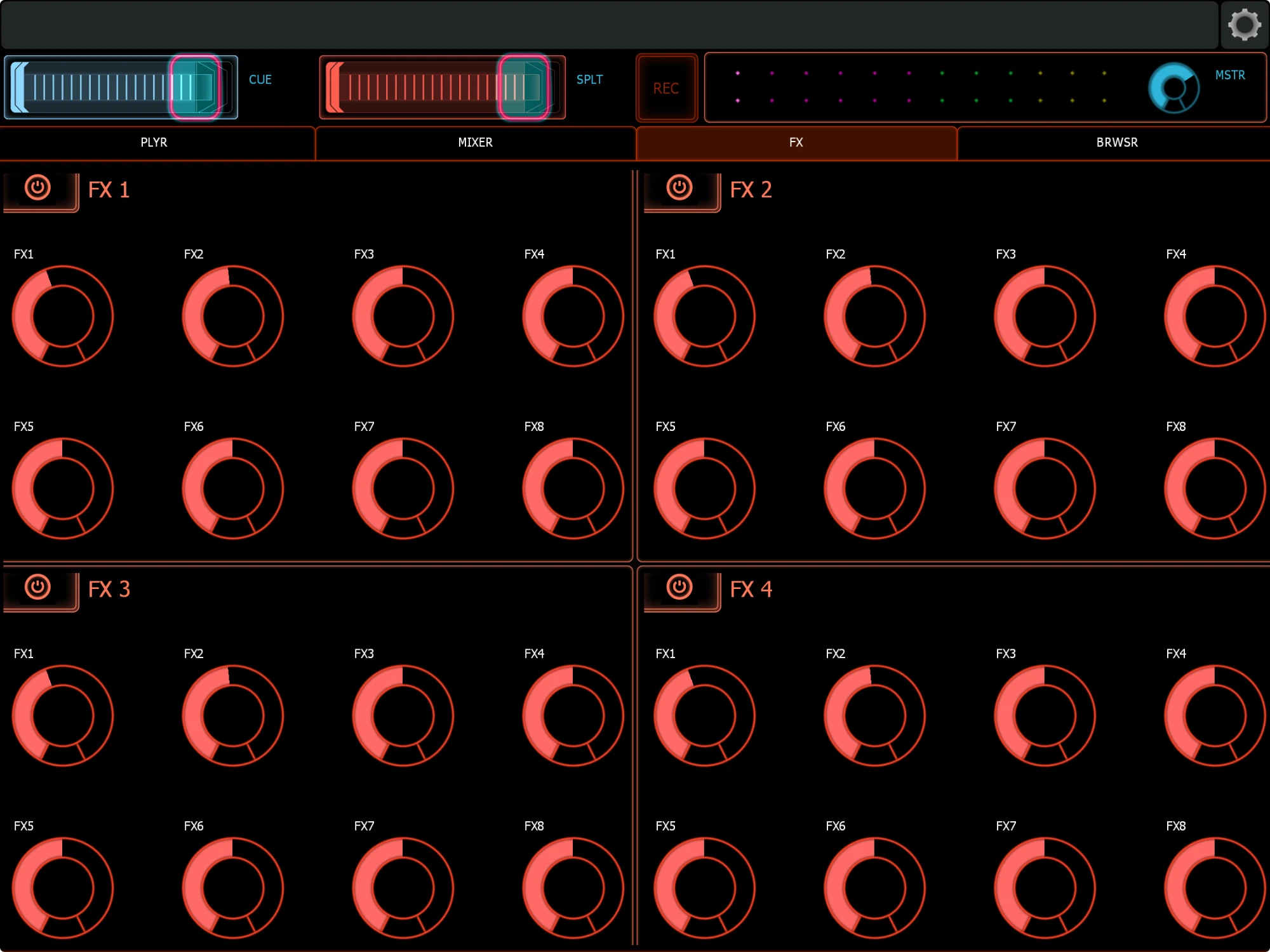
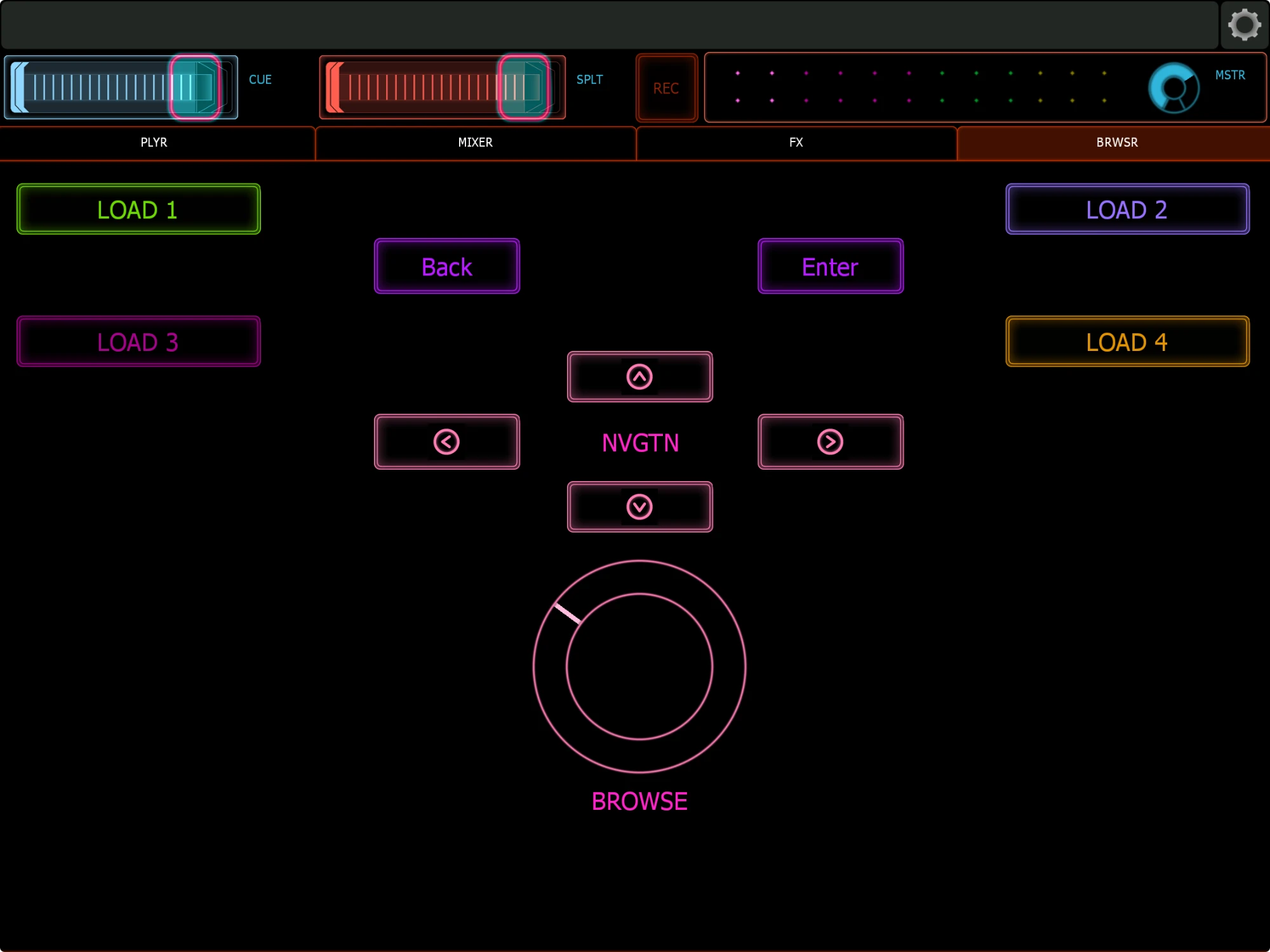
Trim, 3-band EQ with kill switches, filter with one-tap resets for Cutoff, Reso and Width, FX macros, and a browse dial.
Screens
What's included
| File | What it is |
|---|---|
Lemuricate-4deck.jzml | The Lemur template. Open it in the Lemur Editor and sync it to your iPad. |
Lemur-Syndicate-4deck.sdcmap | The Syndicate MIDI mapping profile for 4 decks, the mixer, FX and the browser. |
syndicate_lemur_bridge.py | An optional helper for Mac or Windows (Python 3 and ffmpeg). It passes Syndicate's feedback to the iPad and adds the waveforms. |
Quick setup
- Lemur: sync
Lemuricate-4deck.jzmlto the iPad. Set MIDI target 0 to your computer (Daemon Input 0). Add OSC target 1 = your computer's IP, port9090. - Syndicate → MIDI: import
Lemur-Syndicate-4deck.sdcmapand bind it to Daemon Input 0. - Syndicate → OSC: turn input on (port 9090) and feedback on. Set the feedback host to
127.0.0.1, port9096, and subscribe to the deck, mixer and header messages listed in the guide. - Start the bridge on your computer:
python3 syndicate_lemur_bridge.py --ipad YOUR.IPAD.IP
On Windows usepythoninstead ofpython3, and install ffmpeg withwinget install ffmpeg.
python3 -c "import socket,struct;socket.socket(2,2).sendto(b'/Syndicate/Feedback/Resend\0\0,i\0\0'+struct.pack('>i',1),('127.0.0.1',9090))"
Syndicate's OSC input must be on for any of these to work.The full guide covers every setting, every control and troubleshooting.